 Skip to content


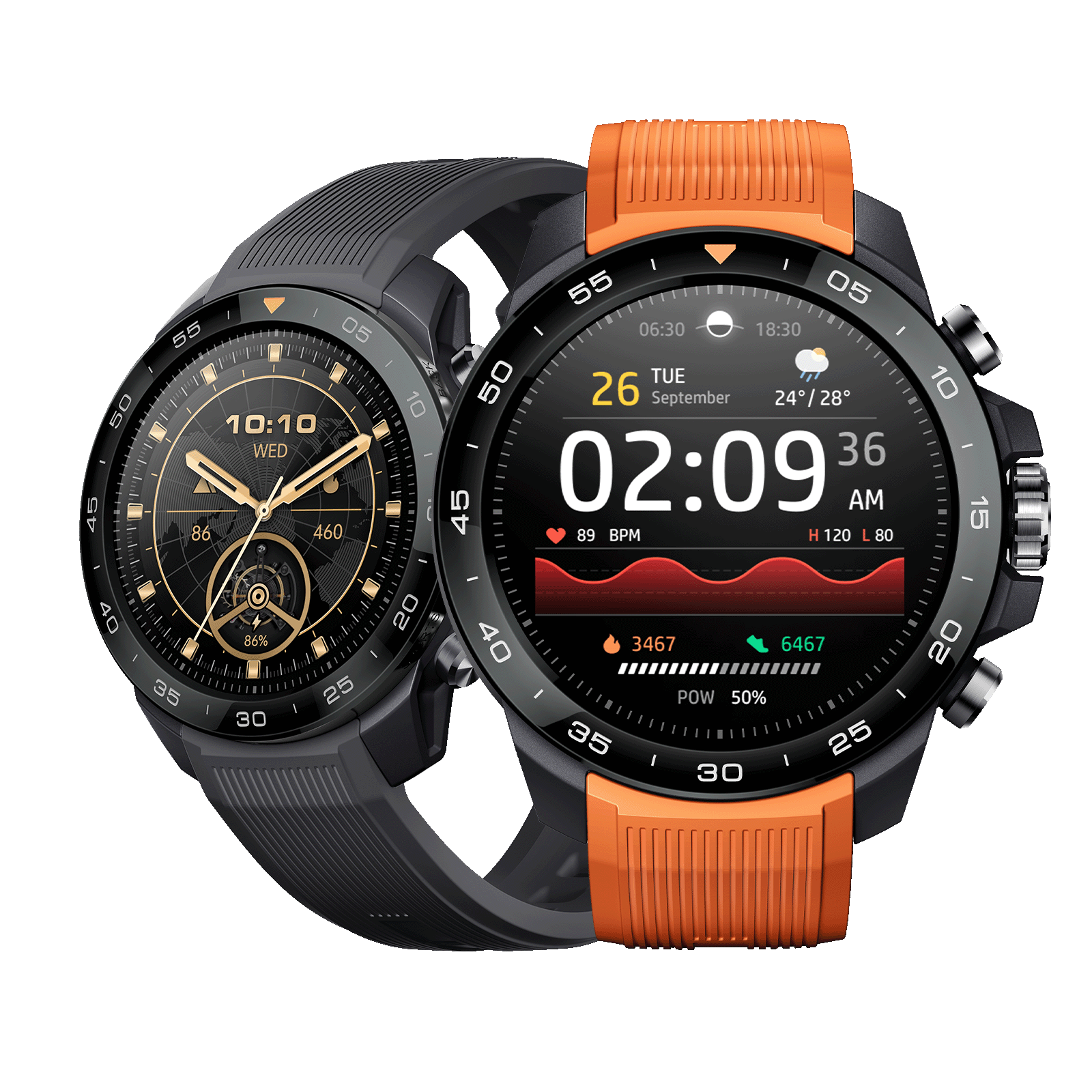
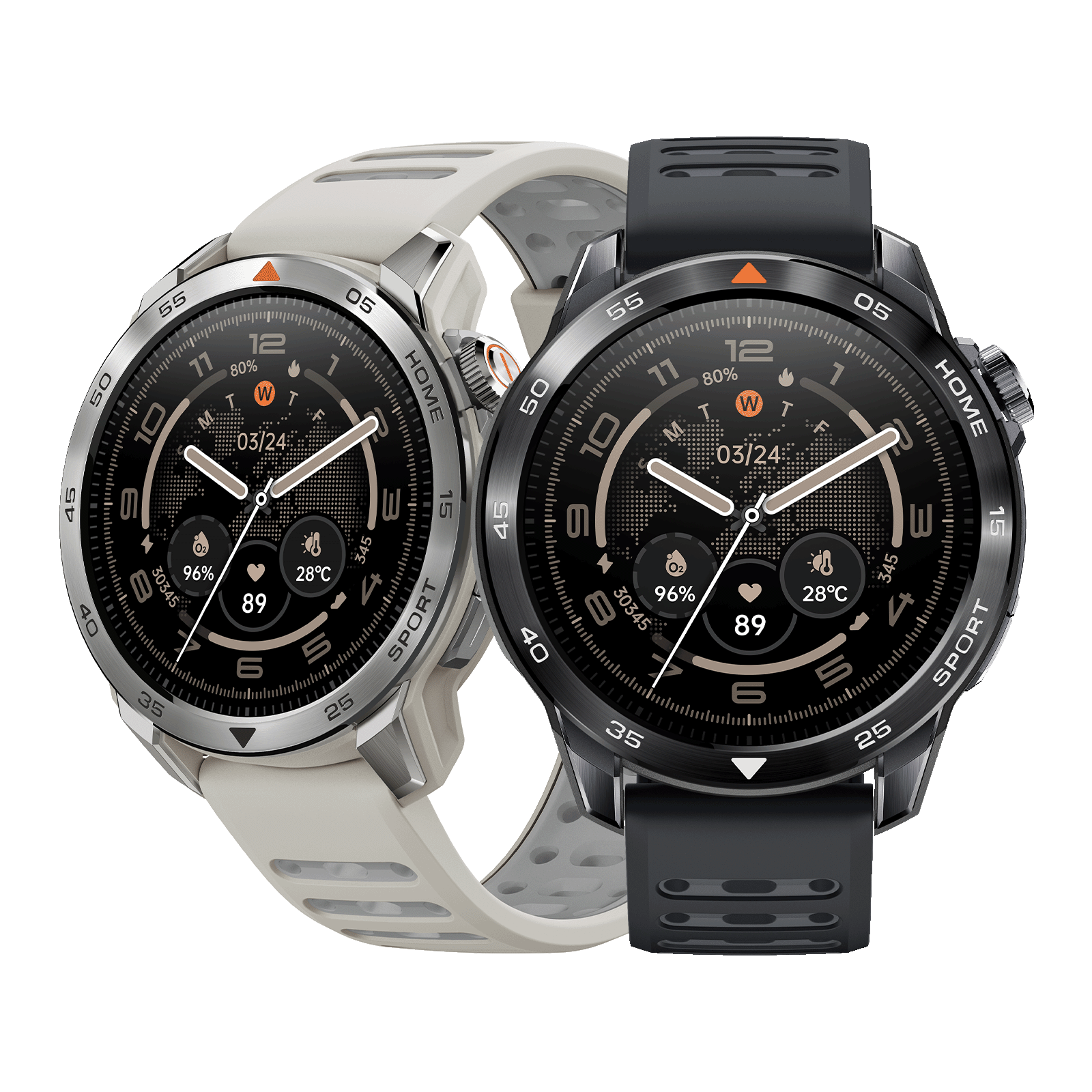
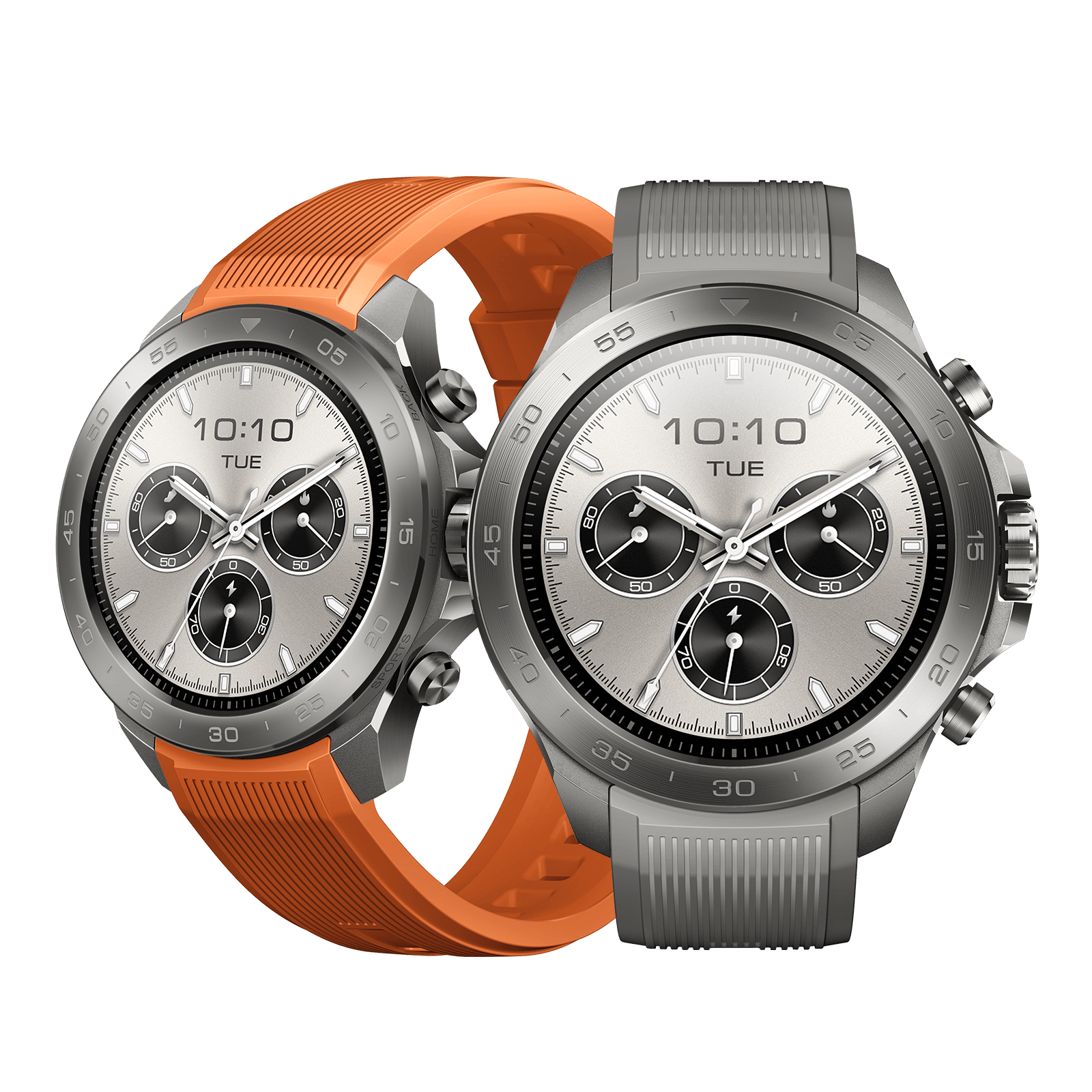


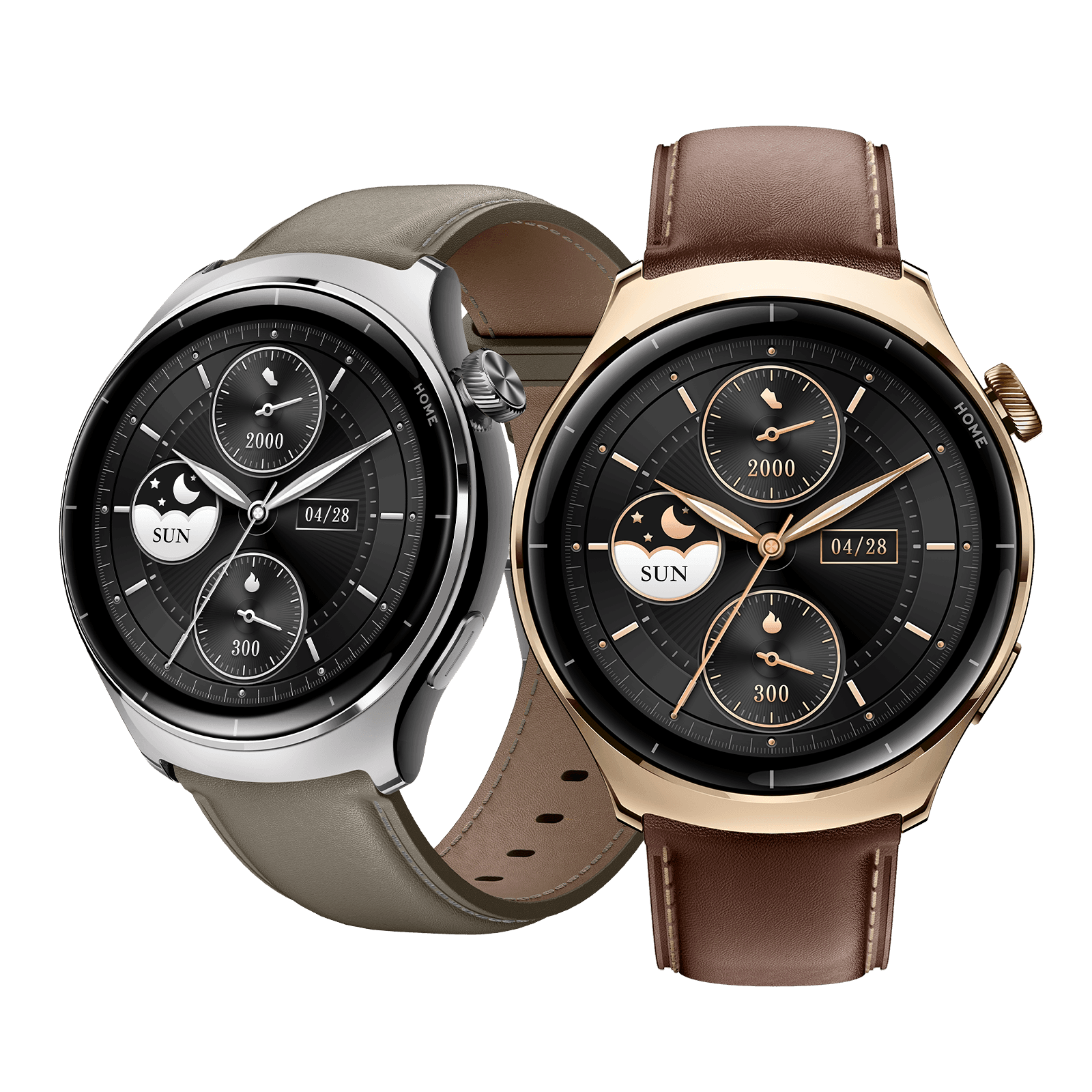
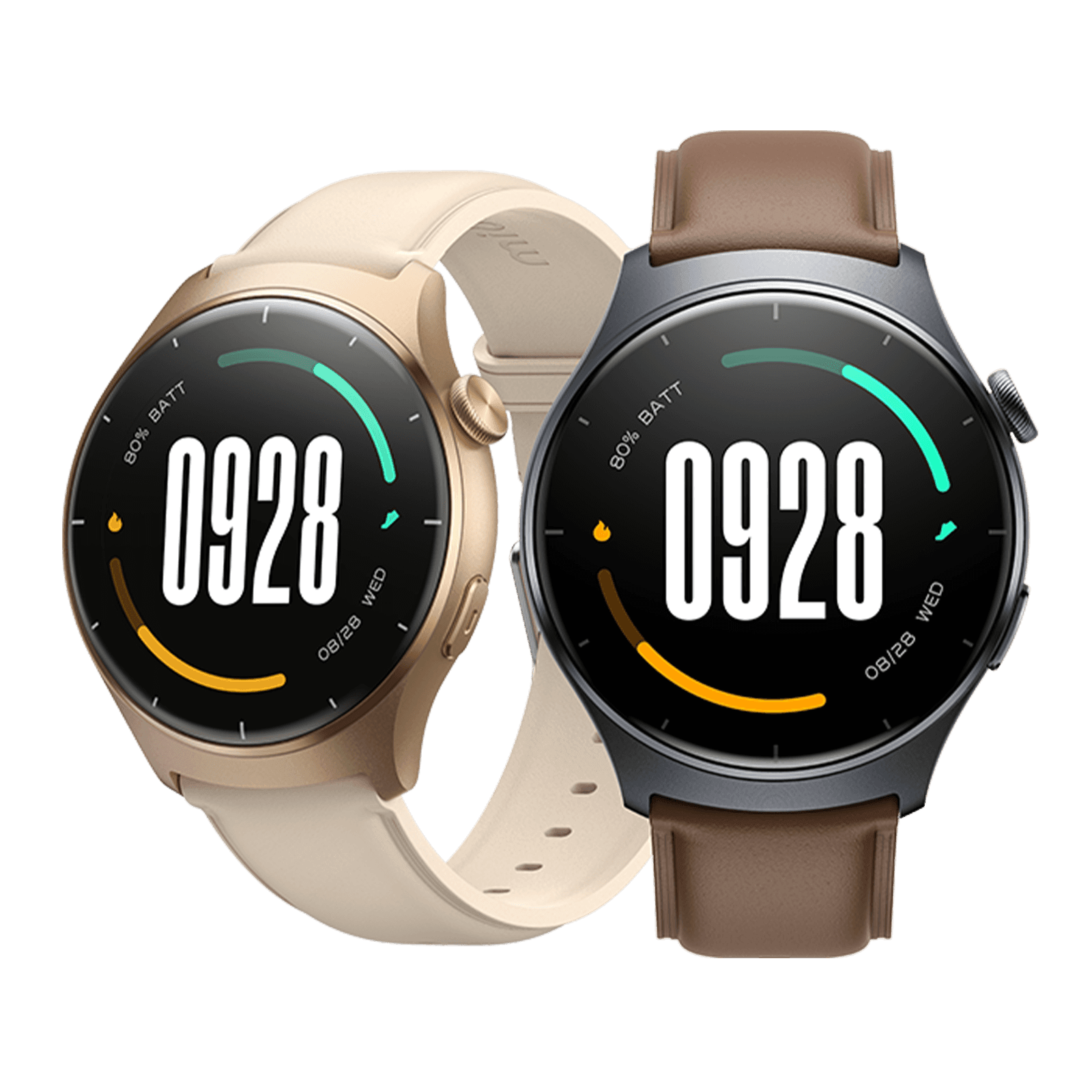
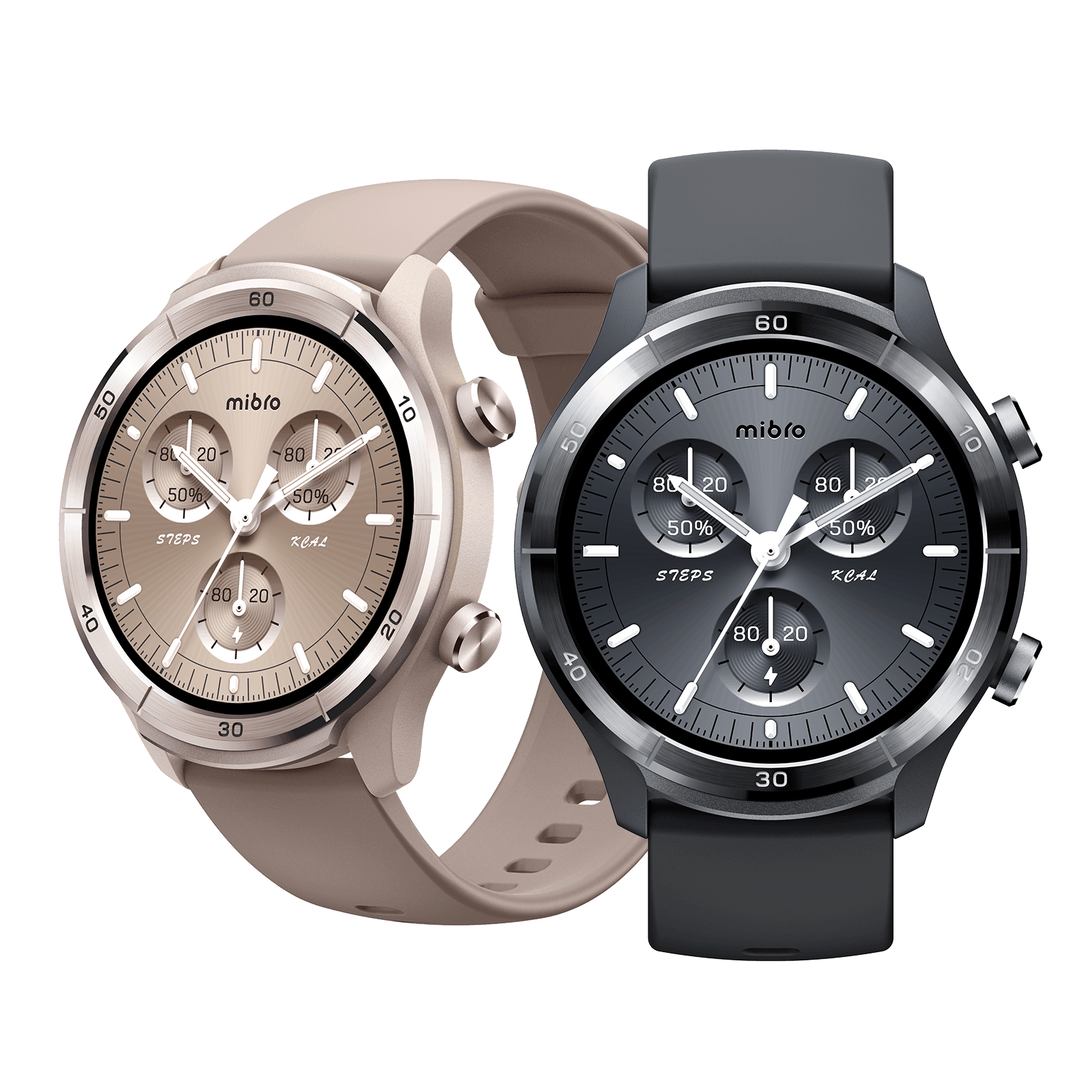
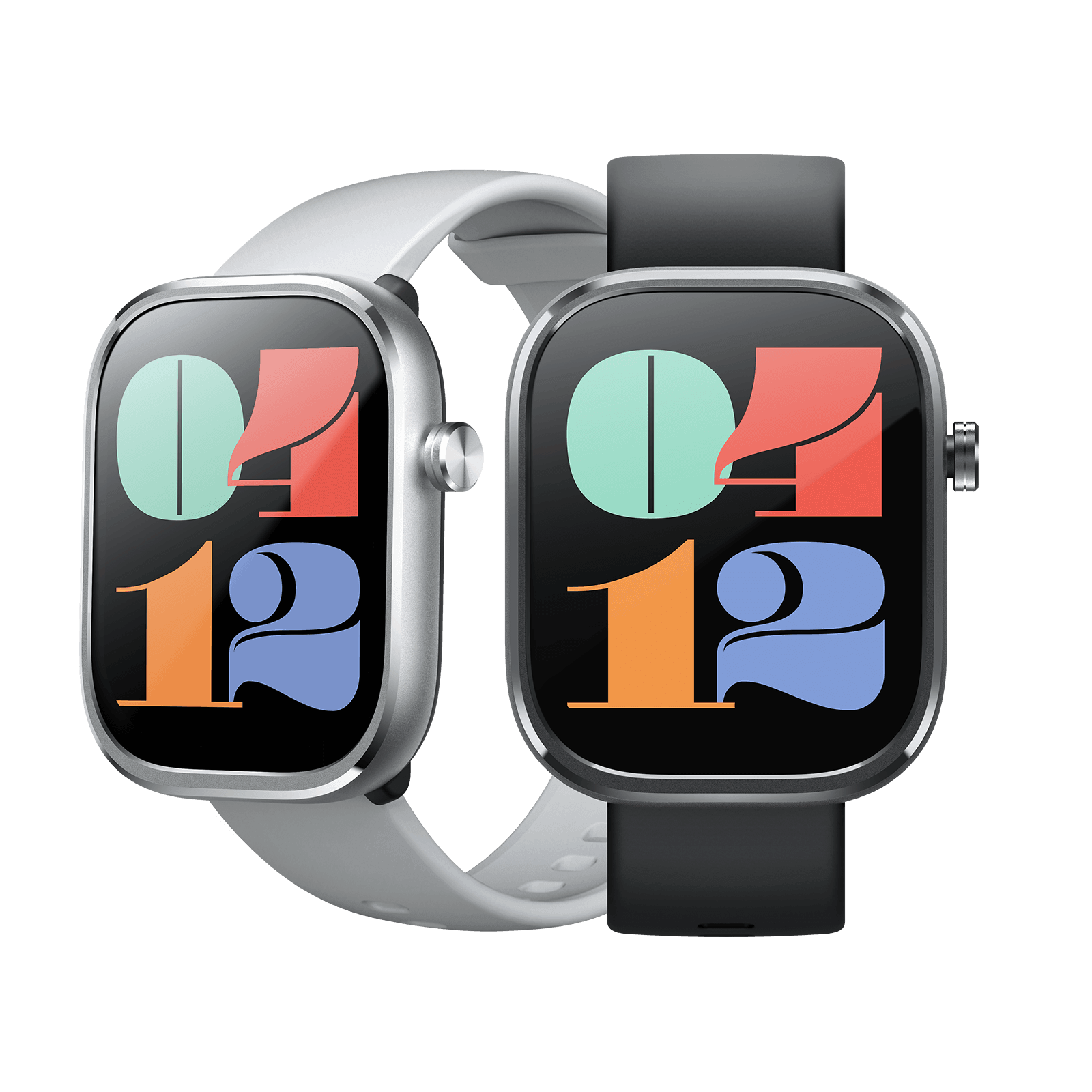




If you're looking for the best smartwatch for iPhone, Apple Watch is the natural choice for a seamless experience across your Apple devices. From effortless connectivity to convenient features like unlocking your Mac and automatically switching AirPods between devices, Apple's ecosystem is hard to beat. Still, Apple Watch isn't your only option. Other brands offer iPhone-compatible smartwatches with different features and price points. This guide compares the top Apple Watch models and alternatives to help you find the right watch for your needs and budget.
You May Also Like:
Apple Watch & Alternatives: Quick Overview
Before we break down each pick, here's a fast snapshot of how every model on this list stacks up. If you're hunting for the best smartwatch for iPhone, the two tables highlight the price, battery life, and features that actually matter for daily wear.
Apple Watch for iPhone
| Apple Watch 12 | Apple Watch SE 3 | Apple Watch Ultra 4 | |
|---|---|---|---|
| Chip |
S11 chip |
S10 chip |
S11 chip |
| Case Size |
42mm 46mm |
40mm 44mm |
49mm |
| Case Material |
Aluminum Titanium Ceramic |
Aluminum |
Grade 5 titanium |
| Display |
Always-On Retina OLED |
Always-On Retina OLED |
Always-On Retina OLED |
| Battery |
Up to 24 hours |
Up to 18 hours |
Up to 50 hours |
| Water Resistance |
50m |
50m |
100m |
| Price |
From $399 |
From $249 |
From $799 |
iOS-compatible Smartwatch for iPhone
| Mibro GS Explorer S | Huawei Watch Fit 5 | Garmin Venu 4 | Amazfit Balance 3 | |
|---|---|---|---|---|
| Display |
1.32" AMOLED 1,500 nits |
1.82" AMOLED 2,500 nits |
1.2" AMOLED 2000 nits |
1.5" AMOLED 3,000 nits |
| GPS |
Dual-band GPS 5 satellite systems |
5-system GNSS |
Multi-Band GNSS |
Dual-band GPS |
| Fitness |
150+ sports modes Freediving (30m) Auto-detection |
100+ sports modes Wrist micro-workouts |
80+ activities Mixed Session Garmin Coach |
HYROX race tools 45m dive 180+ sports modes |
| Health |
Heart rate Blood oxygen Sleep & Stress |
ECG Blood oxygen Sleep management |
ECG & HRV Body battery Sleep coaching |
Heart rate Blood oxygen Stress levels |
| Waterproof |
10 ATM |
5 ATM |
5 ATM |
10 ATM |
| Calling |
Bluetooth |
Bluetooth |
Bluetooth |
Bluetooth |
| Battery Life |
Up to 20 days |
10 days |
10 days (41mm) 12 days (45mm) |
Up to 21 days |
| System |
iOS 10.0+ |
iOS 13.0+ |
iOS 16+ |
iOS 17.0+ |
| Price |
Around $150 |
Third-Party Prices Vary |
From $549.99 |
From $369.99 |
3 Best Apple Smartwatches for iPhone
Notifications, calls, and health data flow between devices instantly. That seamless interaction is a big reason Apple Watches remain among the best smartwatches for iOS. Below, we break down the three top-rated smartwatches for iPhone from Apple's current lineup, so you can find the model that fits your needs.
1. Apple Watch 12
| Notifications | ⭐⭐⭐⭐☆ |
| Fitness Tracking | ⭐⭐⭐⭐⭐ |
| Health Monitoring | ⭐⭐⭐⭐⭐ |
| Battery Life | ⭐⭐⭐⭐⭐ |
| AirPods Integration | ⭐⭐⭐⭐⭐ |
| Apple Pay | ⭐⭐⭐⭐☆ |
Apple Watch 12 ranks as the best smartwatch for iPhone because it turns health data into decisions you can actually act on. The new Health Sensing System measures heart rate every five seconds — far more frequent than before — and pairs it with a Readiness score that reads training load, sleep, and vitals each morning to tell you whether to push or back off. That single number changes how the day gets planned. Outdoor workouts also gain 25% more battery than the previous generation, so longer sessions no longer end with a dead wrist. iPhone pairing remains immediate — notifications, calls, and Apple Pay simply work. Among top-rated fitness smartwatches for iPhone, this is the one that makes the ecosystem feel like an advantage rather than a requirement.
Pros:
- Up to 45 hours of extended workout tracking
- Improved GPS for pace, distance, and routes
- More frequent heart-rate and HRV measurements
- Vitals app tracks key day and night metrics
- Ceramic, aluminum, and titanium case options
- Up to 24-hour battery with fast charging
Cons:
- No dedicated physical Action button
- Display bezel may look larger to some

2. Apple Watch SE 3
| Notifications | ⭐⭐⭐⭐⭐ |
| Fitness Tracking | ⭐⭐⭐⭐☆ |
| Health Monitoring | ⭐⭐⭐☆☆ |
| Battery Life | ⭐⭐⭐☆☆ |
| AirPods Integration | ⭐⭐⭐⭐⭐ |
| Apple Pay | ⭐⭐⭐⭐⭐ |
At $249, the Apple Watch SE 3 is a smartwatch for iPhone users who want practical features without paying for premium extras. Its biggest everyday upgrade is sleep scoring, which turns sleep duration, stages, and wake-ups into an easy-to-understand score. Even a week of tracking can reveal patterns linked to late meals, irregular bedtimes, or staying up too late. The always-on display, S10 chip, and more crack-resistant glass round out the upgrades.
Compared with the Series 12 and Ultra 4, the SE 3 lacks brighter displays, ECG, blood oxygen monitoring, and hypertension notifications. It also uses the S10 chip instead of the newer one. However, it retains up to 18 hours of battery life, sleep and temperature sensing, and seamless iPhone integration for calls, Apple Pay, and Find My. If you want reliable everyday features without paying extra for advanced health sensors you may rarely use, the SE 3 is a budget-friendly watch option.
Pros:
- S10 chip delivers fast and smooth navigation
- Fast charging delivers 8 hours of use in 15 minutes
- Double Tap and Wrist Flick enable touch-free controls
- Advanced safety features provide emergency protection
- Features AI-powered motivation via watchOS
- Rated for swimming up to 50 meters
Cons:
- Older design has thicker bezels and frame

3. Apple Watch Ultra 4
| Notifications | ⭐⭐⭐⭐⭐ |
| Fitness Tracking | ⭐⭐⭐⭐⭐ |
| Health Monitoring | ⭐⭐⭐⭐⭐ |
| Battery Life | ⭐⭐⭐⭐⭐ |
| AirPods Integration | ⭐⭐⭐⭐⭐ |
| Apple Pay | ⭐⭐⭐⭐⭐ |
As a rugged smartwatch for iPhone, the Ultra 4 features a 49mm Grade 5 titanium case with raised edges and a flat sapphire crystal that shrugs off drops, scrapes, and daily abuse without visible wear. It meets MIL-STD 810H across altitude, temperature shock, freeze/thaw, and vibration testing, carries IP6X dust resistance, and is water-rated to 100m with EN13319 dive certification to 40m. The battery runs up to 50 hours, stretching to 84 hours in Low Power Mode and 45 hours in Max Extended Workout mode with one-second GPS. Durability does not come at the expense of training: dual-frequency GPS, a depth gauge, and the new Health Sensing System with a Readiness score make it a top smartwatch for iPhone for people who go hard outdoors.
Pros:
- Dedicated modes for running, strength, and more
- Tracks training load, HR zones, pace, and elevation
- Rugged titanium build, Action button, dual-frequency GPS
- Daily readiness score guides training and recovery
- Siri AI offers wellness insights and audio summaries
Cons:
- Unchanged bulky design and display from Ultra 3
- Black titanium finish may clash with older bands

4 Best Smartwatches for iPhone Not Apple Watch
Apple Watch delivers unparalleled integration, but its premium pricing isn't for everyone. Fortunately, plenty of third-party brands now offer compelling iPhone-compatible smartwatch options that pair seamlessly with iOS via their own apps. They bring longer battery life, specialized fitness tools, or friendlier price tags. If you're hunting for the best smartwatch for iPhone without the Apple logo, these four alternatives deserve your attention.
1. Mibro GS Explorer S
| Price | Around $150 |
| iPhone Compatibility | ⭐⭐⭐⭐☆ |
| Notification Stability | ⭐⭐⭐⭐☆ |
| App Experience | ⭐⭐⭐⭐☆ |
| Sports & Health | ⭐⭐⭐⭐☆ |
At around $150, the Mibro GS Explorer S delivers rugged smartwatch features often found on $500+ models. Dual-band GPS, 10 ATM water resistance, and a titanium case option make it a strong outdoor companion, while the AMOLED display remains clear in bright sunlight. When paired with an iPhone via the Mibro Fit app, it syncs step, workout, and heart rate data to Apple Health and offers 150+ sports modes for activities like hiking and diving. Its standout advantage is battery life, lasting up to 20 days in daily mode and 60 days in basic mode. For iPhone users seeking value, it ranks among the best cheap smartwatches for iPhone.
Pros:
- Military-grade durability withstands extreme environments
- Bright AMOLED display stays visible in sunlight
- 10ATM water resistance supports deep diving
- Tracks HR, blood oxygen, sleep, period, and more
- Dual-frequency GPS enables accurate outdoor navigation
- Syncs data with Strava, Apple Health, and Google Fit
Cons:
- Closed system lacks third-party app support
2. Huawei Watch Fit 5
| Price | Third-Party Prices Vary |
| iPhone Compatibility | ⭐⭐⭐⭐☆ |
| Notification Stability | ⭐⭐⭐☆☆ |
| App Experience | ⭐⭐⭐⭐☆ |
| Sports & Health | ⭐⭐⭐⭐⭐ |
With its square face, curved edges, and sapphire-glass Pro option, the Huawei Watch Fit 5 looks strikingly close to an Apple Watch — at roughly half the price. It packs a 3,000-nit AMOLED display, dual-band, five-system GNSS, and a subscription-free health suite that covers ECG analysis and arterial stiffness detection. Battery life runs 7 to 10 days, dwarfing anything Apple offers. Pairing with an iPhone happens through the Huawei Health app, syncing steps, sleep, and workouts, though notification replies stay limited compared to Android. It isn't officially sold in the US, so check regional availability. For iPhone owners who need an iPhone-compatible smartwatch that mimics Apple's look without Apple's price, it's a compelling iPhone alternative pick.
Pros:
- Bright LTPO AMOLED display reaches 3,000 nits
- Tracks running, yoga, strength training, and more
- Monitors blood oxygen saturation throughout the day
- Monitors daily mood and emotional wellness
- Works across Android, HarmonyOS, and iOS.
Cons:
- Some smart features are restricted on iPhone

3. Garmin Venu 4
| Price | From $549.99 |
| iPhone Compatibility | ⭐⭐⭐⭐☆ |
| Notification Stability | ⭐⭐⭐⭐☆ |
| App Experience | ⭐⭐⭐⭐⭐ |
| Sports & Health | ⭐⭐⭐⭐⭐ |
The Venu 4 stands out as a smartwatch for iPhone users who value training insights over a long list of apps. Its Training Readiness score helps you decide when to push or ease off, factoring in sleep, HRV status, recent training load, recovery time, and stress history. Daily suggested workouts and Garmin Fitness Coach offer actionable guidance, with personalized sessions across 25+ fitness activities that adapt to your activity history, sleep, and recovery.
Recovery Time and Training Load Focus help you understand how hard you've trained and whether your efforts are balanced across different intensity levels. Body Battery, HRV status, and sleep tracking provide a broader view of daily wellness. With up to 10 days of battery life on the 41 mm model or 12 days on the 45 mm model, plus a wide range of built-in sports apps, the Apple Watch alternative makes it easier to track fitness.
Pros:
- Premium all-metal case, bezel, and buttons
- Bright AMOLED display with built-in LED flashlight
- Supports running, HIIT, yoga, and other 80+ activities
- Advanced health tracking, including ECG and HRV
- Multi-Band GPS ensures positioning and elevation tracking
- Supports wrist calls and offline voice commands
Cons:
- No full offline topographic maps
- iPhone users cannot reply to messages

4. Amazfit Balance 3
| Price | From $369.99 |
| iPhone Compatibility | ⭐⭐⭐⭐☆ |
| Notification Stability | ⭐⭐⭐⭐☆ |
| App Experience | ⭐⭐⭐⭐⭐ |
| Sports & Health | ⭐⭐⭐⭐⭐ |
The Amazfit Balance 3 is the best smartwatch for iPhone to support iOS Notification Forwarding, letting eligible iPhone users reply to messages, take quick actions like calling back a missed call, and view notification images — directly from the wrist. It's currently a beta feature limited to EU users on iOS 26.5 or later, but it signals real momentum toward closing the interaction gap with Apple.
Beyond notifications, the Balance 3 covers the basics well: a 3,000-nit AMOLED display, 10 ATM water resistance, dual-band six-satellite GPS, and 180+ sports modes including HYROX-specific training. Battery life reaches 21 days, dropping to 7 with the always-on display active. For iPhone users craving deeper interaction, it's shaping up to be a compelling Apple Watch alternative.
Pros:
- 64GB storage supports offline maps and music
- 3,000-nit AMOLED ensures outdoor visibility
- Supports running, golf, and other 180+ sports
- Creates adaptive workout plans for your goals
- Offers dual-band GPS, offline maps, and rerouting
- Tracks heart rate, SpO₂, stress, and skin temperature
Cons:
- No streaming music support is available
- Rotating crown feels stiff and unresponsive

What to Consider When Choosing a Smartwatch for iPhone
Picking a good smartwatch for iPhone comes down to one core question: how deep do you want to sit inside Apple's ecosystem, versus how much you value battery life, price, or specialized features? Here's what to weigh on each side.
If You're Leaning Apple Watch
- Ecosystem depth: Only Apple Watch offers full two-way texting, native Apple Pay, and full App Store access — non-negotiable if you rely on these daily.
- Model tier: Series 12 suits everyday users, SE 3 fits tighter budgets, Ultra 4 fits outdoor and endurance athletes.
- Battery trade-off: Expect nightly charging, so plan your routine around it.
- Health priorities: ECG, blood oxygen, and hypertension notifications matter most if you track cardiovascular health closely.
- Long-term value: Apple Watches hold resale value and receive years of software updates.
If You Consider a Non-Apple Smartwatch
- Compatibility depth: Don't stop at "works with iPhone". Check whether notifications support interactive replies, whether calls can be answered on-wrist, and whether health data syncs to Apple Health. Compatibility for any non-Apple watch for iPhone varies far more across these details than the spec sheet suggests.
- Battery life: Multi-week runtime is the single biggest advantage over Apple's nightly charging cycle — decide how much that convenience is worth to you.
- App ecosystem: Garmin Connect, Zepp, Huawei Health, and Mibro Fit differ widely in polish, update frequency, and third-party integrations like Strava or TrainingPeaks. Read recent reviews, not just the feature list.
- Regional restrictions: Availability isn't the only regional issue. Features like cellular/eSIM, NFC payments, satellite messaging, or beta capabilities such as notification forwarding can be locked to specific countries even where the watch itself is officially sold.
- Long-term support: Apple updates watchOS for years across models; smaller brands vary widely, so check how consistently a manufacturer has shipped firmware updates for its past devices before committing.
- Use-case fit: Some brands lean toward serious training, others toward affordability and endurance — match the watch to how you'll actually use it day to day, not just its price tag or spec sheet.
Final Words
Ultimately, the best smartwatch for iPhone depends on your priorities. If you value seamless integration, reliable health tracking, and a smooth user experience, Apple Watch is hard to beat. Third-party options can be great alternatives if you want longer battery life, advanced outdoor features, a lower price, or a different design. However, not every third-party smartwatch is more affordable than an Apple Watch. If the price is significantly higher, choosing an Apple Watch may offer better overall value, with the added benefit of seamless integration with the iPhone and Apple's ecosystem.
FAQs About Best Smartwatches for iPhone
Can I use any smartwatch with my iPhone?
Apple Watch offers the best iPhone compatibility, with full support for notifications, calls, Apple Pay, Siri, health tracking, and apps. Third-party brands like Garmin, Amazfit, Huawei, and Mibro can connect to iPhones, but some features may be limited, such as replying to messages or using certain apps. Meanwhile, some brands' models, including Samsung Galaxy Watch 4 and later models, do not support iPhones. Always check compatibility before buying.
How do I connect a non-Apple Watch to my iPhone?
To connect a non-Apple smartwatch to your iPhone, you need to turn on Bluetooth and download the brand's companion app.
The general steps are:
- Turn on Bluetooth in your iPhone settings.
- Turn on your smartwatch and place it near your phone.
- Download the official companion app on the Apple App Store.
- Open the app, create an account, and allow permissions like Bluetooth and notifications.
- Select Add Device or Bind Device inside the app to link your watch model, often by scanning a QR code on your screen.
