We're Here to Help.

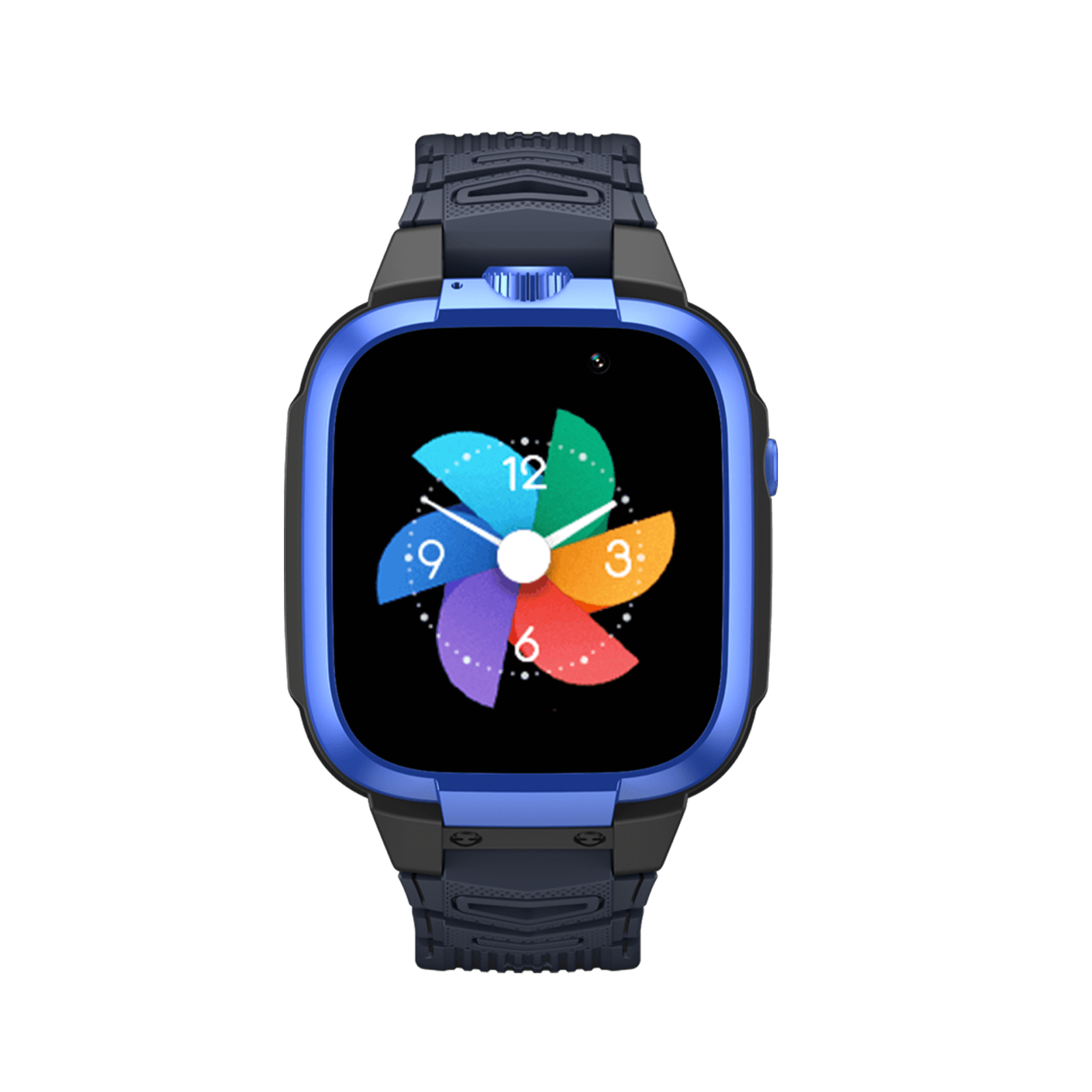
Smartwatch
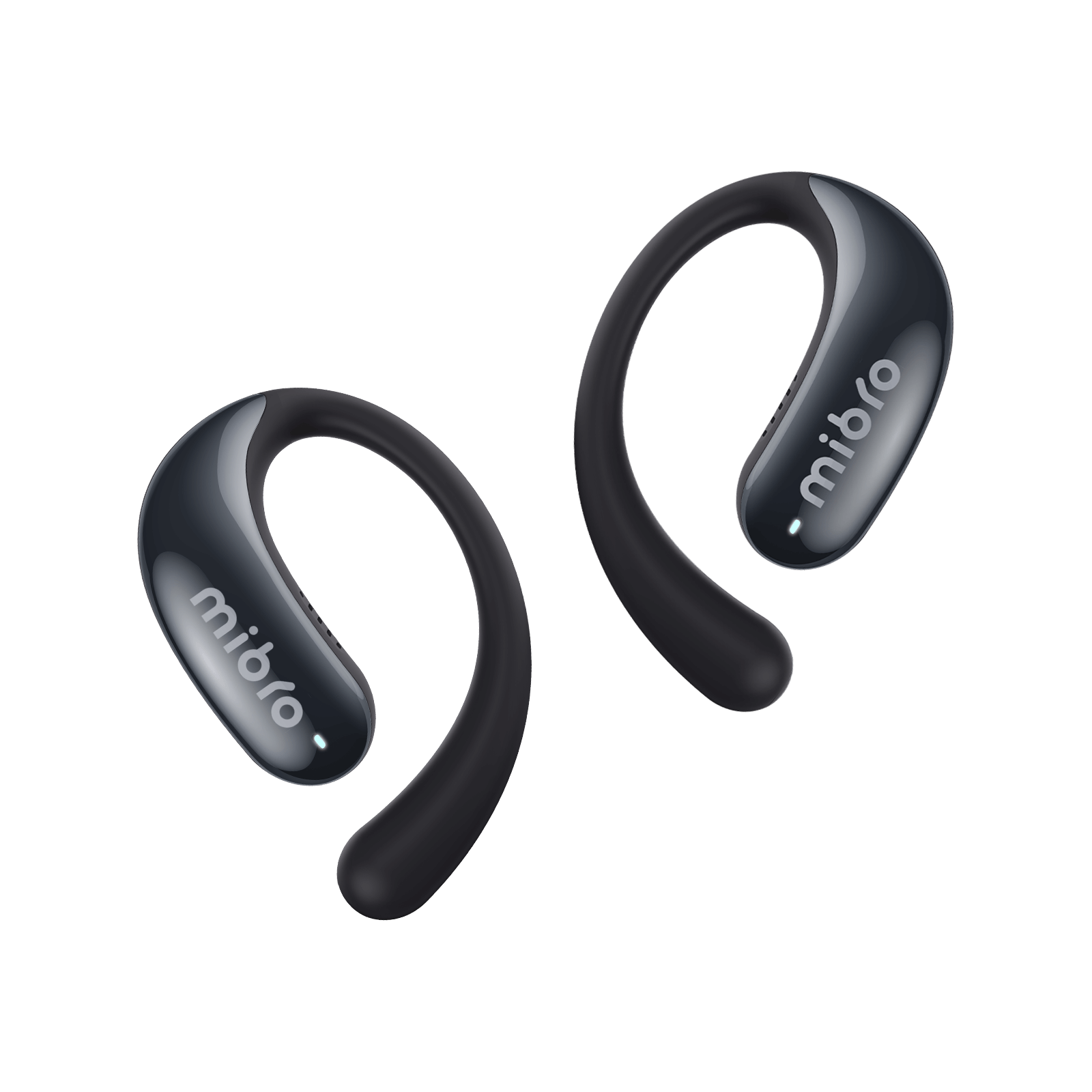
Wireless Earphones

We're Here to Help.

Smartwatch
Wireless Earphones
Getting Started
Daliy Use
Interface & Controls
GPS & Water Resistance
App Connection
Data Synchronization
Notifications & Calls
Fitness Tracking
Daily Health
Health Tracking for Fitness
Sleep Health
Battery Life
Troubleshooting
Shipping and Refunds
Basic Earbud Functions
Getting Started
Daliy Use
Interface & Controls
GPS & Water Resistance
App Connection
Data Synchronization
Notifications & Calls
Fitness Tracking
Daily Health
Health Tracking for Fitness
Sleep Health
Battery Life
Troubleshooting
Shipping and Refunds
Basic Earbud Functions

How to turn on my Mibro smartwatch for the first time?

Before first use, charge the new device for at least 10 minutes. Then press and hold the upper-right power button (rotating crown) for 5 seconds to turn on the watch.

Do I need to fully charge the smartwatch before using it for the first time?

No, but it is recommended to charge for at least 10 minutes to ensure the battery is sufficiently charged for pairing with your phone.

How do I update the smartwatch firmware?

Make sure your watch is connected to the Mibro Fit app, then:

1. Open Mibro Fit.

2. Tap the "Watch" icon at the bottom, then find the "Settings" icon.

3. Tap "Device update" to check for available firmware updates.

How do I change the language settings?

There are two ways to change the language.

Method 1: Wake up the watch, swipe down, tap "Settings," then go to "System" to switch languages.

Method 2: Go to Smartwatch "Settings" → "System" → "Language" → enable "Sync with Phone." (After enabling, if you change the language in the phone app, you need to reconnect Bluetooth)

How do I sync contacts?

Ensure the watch is connected to Mibro Fit, then:

1. Open Mibro Fit.

2. Tap the "Watch" icon at the bottom, then find the fourth "Toolbox" icon.

3. Go to "Frequent contacts" and select "Add from contacts".

How to check the weather on the smartwatch?

Make sure the Mibro watch is connected to your phone and data is synced. Wake the watch and swipe left on the watch face to see the weather.

How do I turn Raise to Wake on or off?

Ensure the watch is connected to Mibro Fit, then:

1. Open Mibro Fit.

2. Tap the "Watch" icon at the bottom, then find the fourth "Toolbox" icon.

3. Tap "Preferences Settings" and switch on "Raise to wake".

Whether the watch supports connecting BT earphones?

Not supported.

What are the smartwatch buttons used for?

Mibro smartwatches may have up to three buttons:

  • Upper-right button: Power button / Back button

  • Middle button: Home / Menu button

  • Lower-right button: Shortcut / Confirm button

How do I access the Control Center?

Wake up the watch and swipe down to open the Control Center.

What commonly used apps are supported on Mibro watches?

Supported apps include, but are not limited to: Sports, Health Circle, Heart Rate, Sleep, Training Plans, Weather, Phone, and Music Control.

How do I use the watch to find my phone?

Make sure the watch is paired with your phone, then:

1. Wake the watch and open the menu list.

2. Swipe down to find "Find Phone".

3. Tap "Click to Ring".

How to view notifications on my Mibro smartwatch?

To receive notifications on your watch, complete the following:

1. Ensure the watch is connected to Mibro Fit and open the app.
2. Tap the "Watch" icon at the bottom, then find the fourth "Toolbox" icon.
3. Tap "Notifications" and turn on the "notifications" toggle.
4. Enable notifications for the apps you want.

How to receive calls on my Mibro smartwatch?

1. Ensure the watch is connected to Mibro Fit and open the app.

2. Tap the "Watch" icon at the bottom, then find the fourth "Toolbox" icon.

3. Tap "Notifications" and turn on the "Notifications" toggle.

4. Enable the "Phone" toggle.

How do I enable Do Not Disturb mode?

1. Wake the watch, swipe down to find "Settings".

2. Tap "Preference" and find "Do Not Disturb".

3. Choose "All day" or "Scheduled".

How do I change the watch face?

1. Ensure the watch is connected to Mibro Fit and open the app.

2. Tap the "Watch" icon at the bottom, then find the fourth "Toolbox" icon.

3. Select the "Star" icon to set a watch face.

Which positioning systems does Mibro support?

GPS, Beidou, GLONASS, Galileo, QZSS.

Does Mibro support standalone GPS positioning?

Standalone positioning is not effective — the device will have no ephemeris data, GPS positioning will be very slow, and data may be inaccurate.

What is the water resistance rating of Mibro smartwatches?

Mibro smartwatches are available in 2ATM, 5ATM, and 10ATM water resistance ratings.

  • 2ATM: Resistant to pressure equivalent to 20 meters. Suitable for splashes and cold showers. Not suitable for swimming.
  • 5ATM: Resistant to pressure equivalent to 50 meters. Suitable for splashes, cold showers, swimming, and snorkeling.
  • 10ATM: Resistant to pressure equivalent to 100 meters. Suitable for splashes, cold showers, swimming, diving, snorkeling, and high-speed water sports.

Can I wear a smartwatch when swimming for long periods?

Watches with 5ATM or 10ATM can be worn for extended swimming. However, it is recommended to clean the watch case, especially the charging contacts at the bottom, after swimming.

How do I connect the smartwatch to my phone?

Charge the new device for at least 10 minutes and download the Mibro Fit app in advance. Then:

1. Press & hold the upper right button for 5 seconds to power on.

2. Open Mibro Fit, tap the "Watch" icon at the bottom.

3. Tap the "Scan" icon in the upper right corner and scan the QR code on the watch to pair.

Is Mibro Fit compatible with both Android and iOS?

Yes. Mibro Fit is compatible with both Android and iOS and can be downloaded from Google Play and the App Store.

Do I need to create an account to use the Mibro Fit app?

Yes. Please register with an email address in the Mibro Fit app.

Can a phone be paired with multiple watches at the same time?

Yes. Open Mibro Fit, tap the "Watch" icon at the bottom, tap the dropdown button next to the current watch name, and select "Add product".

Does Mibro support third-party apps?

The Mibro Fit app integrates with Google Fit, Strava, and RQrun for data sharing.

How to sync watch data to the phone?

Make sure Mibro Fit is paired with the watch and Bluetooth is enabled on your phone. Open Mibro Fit and pull down on the homepage to refresh and sync data.

What data is synced between the watch and phone?

Basic activity data (step count, time, duration, estimated calories burned), as well as health data (heart rate, stress, blood oxygen, sleep). If you perform a specific workout, related monitoring data will also sync.

Does the app need to keep running in the background?

For timely data updates and message notifications, it is recommended to keep Mibro Fit running in the background.

What phone notifications will show on Mibro after pairing

Built‑in SMS and phone calls will alert you; third‑party apps with message notifications enabled in Mibro Fit will also appear on the watch.

How to enable or disable message notifications?

1. Ensure the watch is connected to Mibro Fit and open the app.

2. Tap the "Watch" icon at the bottom, then find the fourth "Toolbox" icon.

3. Tap "Notifications" and turn on the "Notifications" toggle.

4. Enable notifications for the apps you want.

Do Mibro smartwatches support incoming call alerts?

Yes. Enable "Notifications" and turn on "Phone Calls" in Mibro Fit to receive call alerts.

Can I answer and make calls directly from the smartwatch?

Mibro supports answering or rejecting calls on the watch, but you cannot speak directly through the watch — you need to answer on your phone.

What sports modes does Mibro support?

Running, swimming, cycling, hiking, trekking, rowing machine, treadmill, and over 100 other indoor/outdoor sports. Diving requires a 10ATM water resistance rating.

What workout data does Mibro track?

Tracked workout data varies by sport. However, workout duration, calories burned, heart rate, and average speed are commonly recorded.

Does Mibro support automatic activity detection?

Yes. Keep the watch paired with Mibro Fit and:

1. Open Mibro Fit, tap the "Watch" icon.

2. Select "Physical" and enable "Exercise auto‑detect".

Does Mibro support training plans and customization?

Yes, but currently only for running plans and customization. Open Mibro Fit and tap the "Checkbox" icon at the bottom.

Can I start or stop training through Mibro Fit?

Mibro Fit does not currently support starting or ending workouts — you need to operate on the watch or enable "Exercise auto‑detect" to help.

Does Mibro support outdoor route recording?

Yes. When doing outdoor activities such as walking, running, or hiking, a route map is generated. You can save the route to the "Route Library" in the Mibro Fit app.

Can I import route tracks to my phone?

Yes. Open Mibro Fit, tap the "User" icon (smiley face) at the bottom right, select "Route Library", and import GPX/KML/TCX/Fit files.

Can I set fitness goals?

Yes. Wake your watch, press the upper right button, choose "Sports", then select a specific sport to set a goal.

Does Mibro support gym workout tracking?

Yes. Strength training, rowing machine, stair climber, jump rope, and many other indoor activities are tracked.

Where can I view detailed training data after exercise?

Both on the phone and the watch. Open Mibro Fit and tap "Proportion of Sports" on the home screen. On the watch, open the menu list and go to "Activity records".

What health monitoring features does Mibro support?

Heart rate, stress, blood oxygen, training load, and sleep (nighttime and naps).

Does Mibro support all-day health tracking?

Yes. Wear the watch comfortably and steadily on your wrist, and it will monitor health data all day.

How can I view health data such as heart rate and blood oxygen?

On the watch: wake the watch face and swipe right.

On the phone: open Mibro Fit and view on the home screen.

Does Mibro support high/low heart rate alerts?

Yes. In Mibro Fit, tap the "Watch" icon at the bottom, find the "Wave" icon, go to heart rate options, switch from "Smart mode" to "Real‑time mode", and set resting heart rate thresholds. You will be alerted when values fall outside the range.

Does Mibro support a sedentary reminder?

Yes. Open Mibro Fit, tap the "Watch" icon at the bottom, select the "Wave" icon, and tap "Stand reminder" to enable.

Can I view daily or weekly health trends?

Yes. Ensure the watch is paired, and data is synced. Open Mibro Fit, select any option (heart rate, stress, blood oxygen, training load, sleep) on the home screen, then view trends by day, week, month, or year.

Can I view real-time heart rate and blood oxygen changes during workouts?

Yes. Wear the watch comfortably and tightly on your wrist, wake the watch face, and swipe left to see heart rate and blood oxygen changes during exercise.

Does Mibro track calorie burn?

Yes. Both daily activity and structured workouts record calorie burn.

Can Mibro display training load?

Yes. Open Mibro Fit to see training load on the home screen. On the watch, open the menu list and find "Training status".

Does Mibro provide recovery time reminders?

Yes. Open the menu list on the watch and find "Training status" to see recovery time.

Does Mibro support breathing exercises?

Yes. Open the menu list on the watch, find "Breathing exercise", set duration and frequency, then tap start and follow the prompts.

How does Miro track sleep quality?

After enabling scientific sleep monitoring in the Mibro Fit app, wear the watch on your wrist to track nighttime and nap sleep status.

What data is included in sleep tracking?

For nighttime sleep (within a set time interval from 9:00 PM to 9:00 AM), it tracks duration, deep sleep, light sleep, REM, and awake time. For naps, it tracks duration.

Can I view sleep analysis reports in Mibro Fit?

Yes. Ensure the phone and watch are connected and data synced. Open Mibro Fit to see nighttime and nap status on the home screen.

How to charge my Mibro smartwatch?

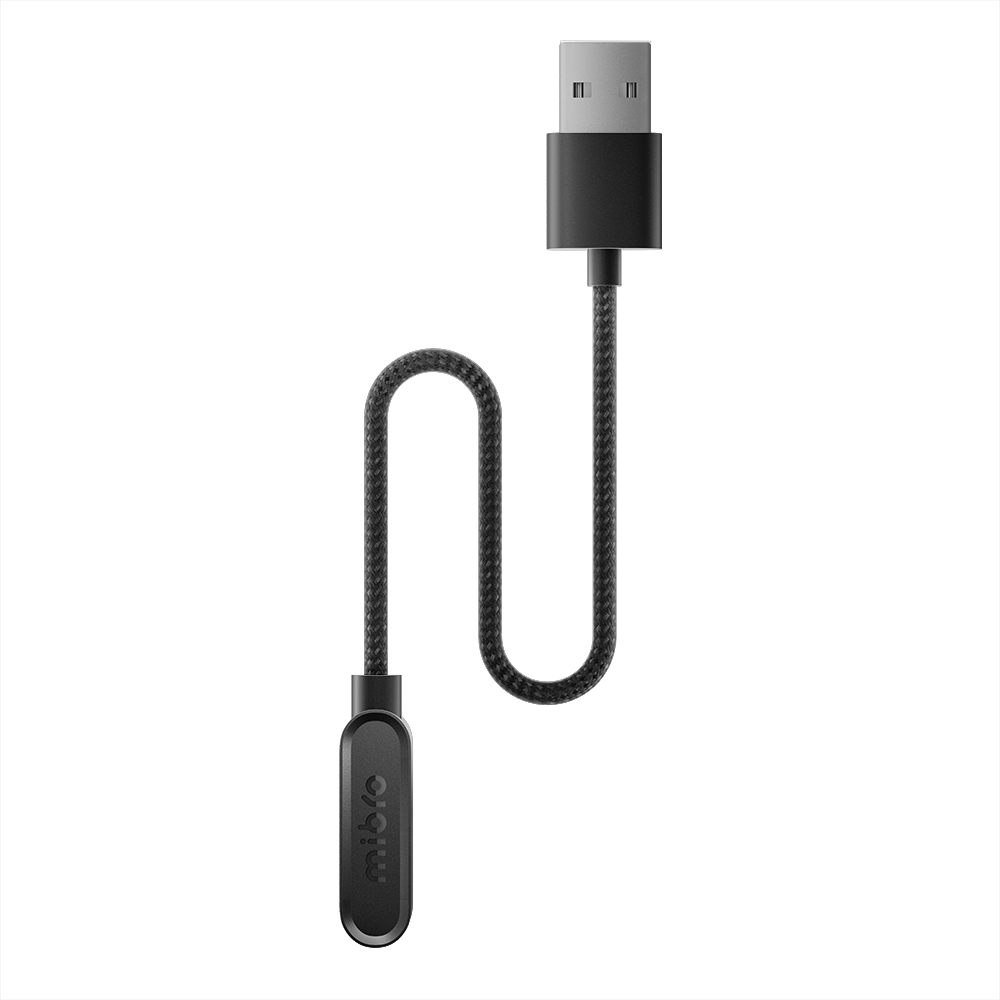
Before charging, make sure the back of the watch and the magnetic charger are clean and dry — use a clean lint‑free cloth. Then align the charger contacts with the charging ports on the back of the watch, place on a flat surface, and charge normally.

Can I use the smartwatch while it is charging?

Data monitoring is not supported while charging because the watch is off your wrist, but you can wake and navigate the interface and settings. For battery health, it is recommended to complete charging before use.

How long does a single charge last on a Mibro smartwatch?

Battery life varies by model and usage pattern — see product details for specifics.

What is the difference in battery life between usage modes?

Daily use lasts longer; frequent GPS or Bluetooth calling will reduce battery life.

Does an always-on display affect battery life?

Yes. Enabling always‑on display may consume up to 30% of battery per day.

Does Mibro support low-power or power-saving mode?

Yes. On the watch, go to "Settings", then "Preference" to enable power saving mode.

What if I don't receive the verification code when registering in the app?

  • Switch between mobile data and Wi‑Fi.
  • Wait 10 minutes and try again.
  • Make sure you are registering with an email address.
  • Contact customer support.

What if the smartwatch buttons stop working?

Check if the buttons are physically damaged and contact customer support.

What if the smartwatch is unresponsive?

Method 1: Press and hold the power button for 3–5 seconds to power off, then press & hold again to restart.

Method 2: If Method 1 fails, connect the watch to its charger.

What if the watch won't pair or keeps disconnecting from the app?

  • Ensure Bluetooth is enabled on your phone.
  • Make sure the watch is not already connected to the phone's Bluetooth; if it is, disconnect it.
  • Check if multiple phones have been paired with the device. If so, restart the watch and re‑pair.
  • Restart Bluetooth or restart your phone.

Why does the watch keep showing a connection request?

When the watch and phone disconnect but are still within Bluetooth range, the Mibro Fit app will attempt to reconnect and require manual confirmation.

How do I fix the wrong time on the watch?

After pairing, Mibro Fit automatically syncs the phone's time. Keep the watch connected to the phone.

If the watch and app have been disconnected for a long time, minor time discrepancies are normal.

Why is there no response when connecting the charger?

  • Check whether the magnetic charger is faulty.
  • Wipe the contacts on both the watch and the charging cable.

If the problem persists after the above steps, contact customer support.

Why am I not getting call, SMS, or reminder alerts?

  • Check if Do Not Disturb mode is on: Watch "Settings" → "Preferences" → "Do Not Disturb".
  • If DND is off, toggle the switch for calls, SMS, sedentary reminders, etc., off and on again.

If still unresolved, go to phone Settings → Accessibility and grant permissions to Mibro Fit.

Why do notifications only vibrate without lighting the screen?

1. Ensure the watch is connected to Mibro Fit and open the app.

2. Tap the "Watch" icon, then find the fourth "Toolbox" icon.

3. Tap "Notifications" and turn on the "Message Brightening Screen" toggle.

What if GPS is inaccurate or not working?

  • Make sure the device is used in an open area and avoid obstacles blocking the signal. GPS positioning may fail if satellite signals are weak or blocked. Tall buildings, mountains, and other obstacles can cause unstable GPS reception.
  • Connect to the APP to synchronize ephemeris data.
  • Weather conditions may also affect GPS accuracy. Fog, heavy rain, and other bad weather can weaken GPS signal reception.

What if running distance or step count is inaccurate?

Confirm that the watch firmware is up to date; if not, update to the latest version. For distance differences, ensure the GPS is successfully connected before starting your workout, and make sure the watch and app are connected.

What if automatic activity detection is not working?

Check if auto‑detection is enabled:

  1. Open Mibro Fit, tap the "Watch" icon.
  2. Select "Physical" and enable "Exercise auto‑detect".

What if health data is inaccurate?

Heart rate and blood oxygen accuracy may be affected by how tightly the watch is worn, skin condition, activity type, and individual differences. It is recommended to keep the watch firmly against your wrist during exercise for a more stable signal.

Note that the watch health data is not a medical diagnosis and cannot replace professional medical devices. For health concerns, please consult a doctor.

What if Bluetooth is connected, but data won't sync?

  • Unpair the watch from your phone and then pair it again.
  • Restart the watch and try again.
  • Ensure you have a network connection.
  • Switch between mobile data and Wi‑Fi.

If Bluetooth is off on my phone, do all features stop working?

Turning off Bluetooth will affect cross‑device features such as data sync and message notifications. However, the watch's own settings, activity tracking, and health monitoring will still work.

How long does it take for Mibro smartwatches to ship?

Orders are normally processed and shipped within 2 business days.

1. Shipping generally takes 7-20 business days for different countries and regions. For details, please refer to the shipping policy.;

2. Wipe the water of the watch outer skin in time after swimming, especially the position of the bottom charging contact point in order to avoid metal parts getting rusty.

Where can I get tracking for my order?

Once your orders ship, you'll receive a shipping confirmation email with a tracking number. It can take 24-72 hours for your tracking number to be updated by the carrier. You can also view your tracking number under "Orders".

How long is the return and warranty period?

14-Day money-back guarantee and all quality-related defects on items sold directly by Mibro by an 12-month warranty, starting from the date of purchase. For details, please refer to the refund policy.

Can I exchange them if I don't like the color or size?

You can cancel the worry order and order new one before shipping. Once the product is en route, we cannot change the shipment.

Can I change the delivery address of my package after the order has been confirmed?

You can contact customer service promptly to check whether the package has been shipped. Unfortunately, we cannot change the shipment once the product is en route.

I ordered more than one item. Will they all be delivered at the same time?

We try to make sure all your items reach you at the same time. Sometimes our products are not always sent together since different shipping options can be used, depending on the product. Once an item has been shipped, you will receive a shipment notification email.

What do I need to do when I received a different product than what I ordered?

Please contact customer support at service@mibrofit.com.

How to turn the earbuds on/off?

Open the charging case — the earbuds' charging light flashes when powered on. Close the case to turn them off.

How to charge Mibro earbuds?

Place the earbuds in the charging case — they will charge automatically. Connect the case to a USB-C cable; both the case and earbuds will charge (case indicator flashes).

How to connect the earbuds to two devices simultaneously?

With the earbuds in the case and already connected to one device via Bluetooth, long-press both earbuds until they disconnect. Then manually connect to the second phone's Bluetooth. After a successful connection, reconnect the first device — both devices can be connected simultaneously.

How to maintain the earbuds?

  1. If not used for a long time, charge at least once every three months.
  2. Keep the earbuds dry; do not place them in humid areas to avoid internal circuit damage.
  3. Avoid using them during intense exercise or excessive sweating to prevent sweat from damaging internal components.
  4. Do not leave the earbuds in direct sunlight or high-temperature places.
  5. Do not attempt to disassemble — non‑professionals may damage the product.
  6. Do not use harsh chemicals or strong detergents to clean the earbuds.
  7. Do not scratch the surface with sharp objects or strike hard objects, as this may damage the case and affect its appearance.

/

Need More Help?